Major WordPress releases are often described as feature lists. That is useful for a changelog, but it is a poor way to understand what changes for the people who build and maintain sites. The more important question is not whether WordPress 7.1 adds a Tabs block or a new crop screen. It is where the platform has decided a problem should be solved.
In 7.1, several answers move closer to the editor and closer to the browser. Responsive behavior becomes more expressible without custom CSS. Images can be prepared before they reach the server. Notes become a more serious collaboration surface. At the same time, WordPress expands the APIs that themes, plugins, and external tools can use.
That sounds like a gentle release. In practice, it is a meaningful change in the boundary between content, design, and infrastructure. Less code may be required for some jobs, but the underlying decisions have not disappeared. They have become easier to make—and easier to make without noticing their consequences.
The release in context
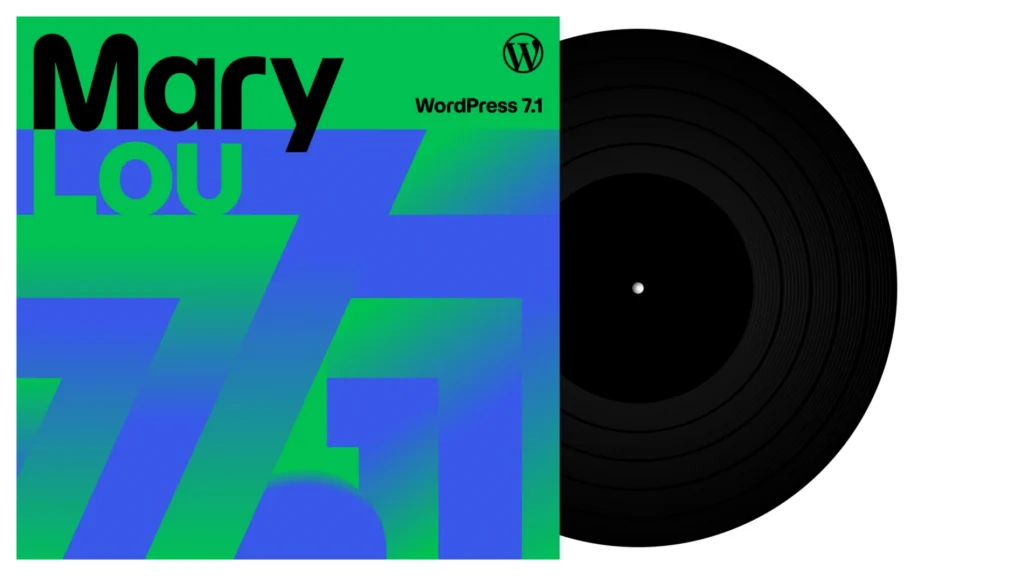
WordPress 7.1, code-named “Mary Lou,” was released on August 19, 2026. The official documentation identifies it as a public release, and the project’s core schedule describes it as the second major WordPress release of 2026. The version number is current at the time of writing; this site is also running WordPress 7.1.
The naming tradition is more than decoration. This release honors jazz pianist, arranger, and composer Mary Lou Williams, whose work moved across styles while remaining collaborative and practical. That is a fair metaphor for 7.1. The release is not a clean break from the block editor. It is a further attempt to make the editor, the theme system, the media library, and developer tooling feel like parts of one platform.
The official announcement groups the changes around responsive styling, media handling, Notes, new blocks, APIs, accessibility, and performance. The 7.1 Field Guide and its developer notes add the detail that matters to builders: client-side media processing, a public SVG Icon API, Abilities API improvements, responsive theme settings, a fully iframed post editor, and changes to DataViews and DataForm.
There is a useful distinction here. A release can add many capabilities without changing the right choice for every project. WordPress 7.1 gives a site owner more control, but control is not the same thing as good design. It gives developers more APIs, but an API is not a reason to add an integration. The quality of the release will be measured by the decisions people make with it.
Responsive design moves into the editor
The clearest user-facing change is responsive styling. WordPress 7.1 lets authors and site builders adjust block styles for different screen sizes through the editor and Global Styles, without writing custom CSS for every adjustment. The project also adds configurable mobile and tablet breakpoints in theme.json, so block themes can define the viewports that make sense for their design system.
This is important because responsive design has always been a conversation between three groups. Designers think in layouts, developers think in rules, and editors often experience the result as a collection of controls. 7.1 narrows the distance between those conversations. A button’s appearance can have separate hover, focus, focus-visible, and active states. A block can be shown or hidden at a chosen viewport. A theme can express its own breakpoints rather than silently inheriting a universal set.

A simplified theme configuration can look conceptually like this:
{
  "settings": {
    "layout": {
      "wideSize": "1280px"
    }
  },
  "styles": {
    "blocks": {
      "core/button": {
        "color": {
          "background": "var(--wp--preset--color--accent)"
        }
      }
    }
  }
}
The example is deliberately modest. The exact responsive configuration depends on the theme’s supported settings and the WordPress 7.1 developer notes. The larger point is that a theme can keep design decisions in the same system that exposes them to editors. That makes a site easier to adjust when the design system is coherent.
It also creates a new failure mode: responsive controls can become a substitute for a layout system. If every block gets a different breakpoint, font size, and visibility rule, the editor becomes a visual patch panel. The page may look right at the three viewports someone remembered to test and strange everywhere else. Responsive controls reduce the need for CSS; they do not remove the need for hierarchy, restraint, and testing.
Accessibility is part of this story. Focus states are not decorative details, and hiding content at a breakpoint can create a different experience for keyboard users, screen readers, and people who zoom. WordPress 7.1 improves admin semantics, tooltips, focus behavior, and labeling, but a theme author still owns the accessibility of the design choices made on top of those primitives.
The media pipeline moves toward the browser
The second major shift is less visible but more architectural. WordPress 7.1 moves image compression, resizing, and thumbnail generation toward the browser through a WebAssembly build of libvips. The intended benefit is practical: large uploads are less likely to hit PHP memory limits or time out on a shared host, while the server receives media that has already been prepared for the workflow.
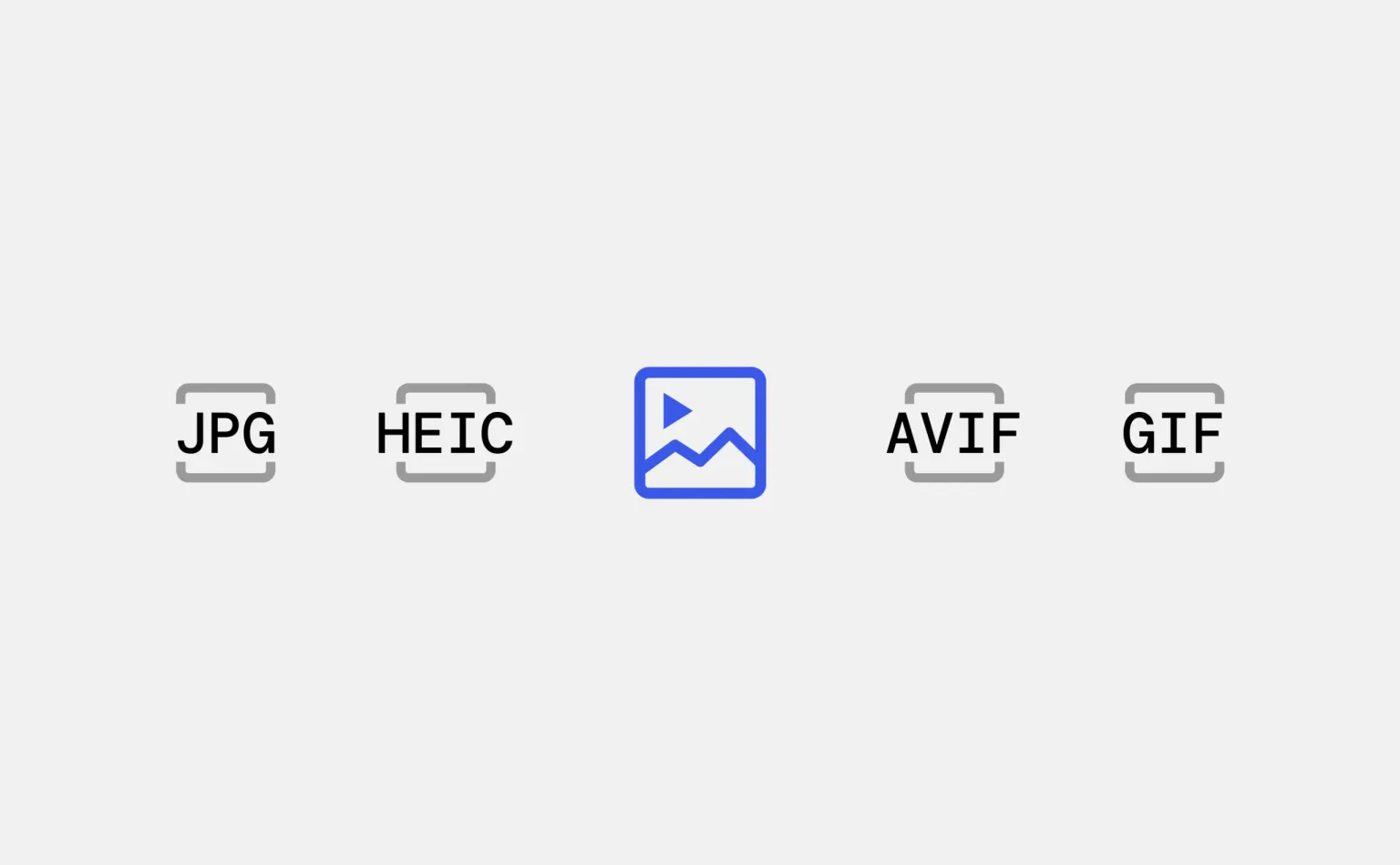
The release also adds built-in handling for formats such as AVIF and HEIC, along with HDR gain map support. The official announcement describes this as support for formats modern cameras and phones already produce. That does not mean every browser, theme, CDN, or image optimization plugin will treat every file identically. Format support is a chain, and the weakest link still matters.
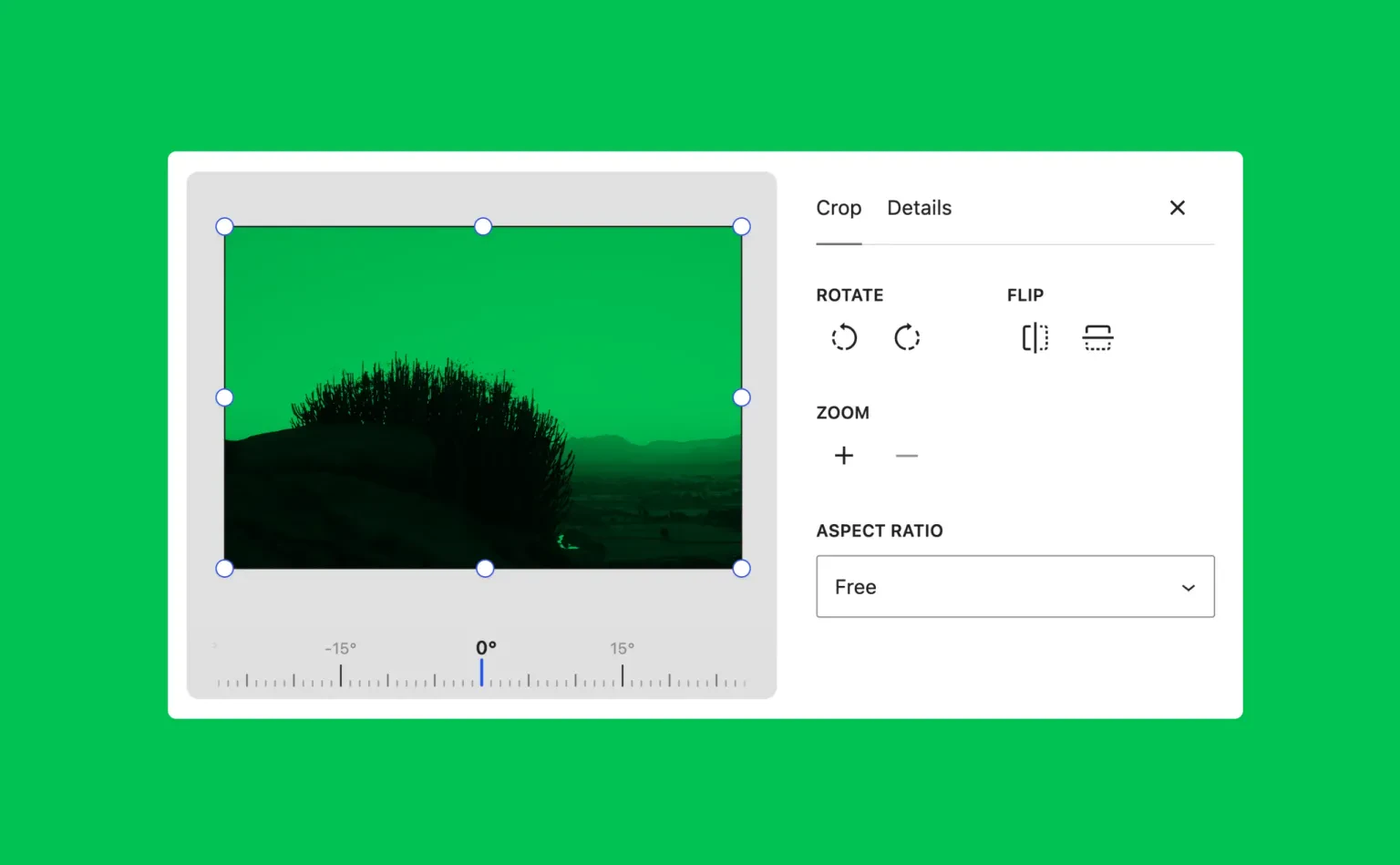
The new media editor is a small interface change with a large editorial consequence. Cropping is no longer an isolated inline action. Freeform and aspect-ratio crops, fine-grained rotation, flipping, and metadata editing are gathered into one workflow. That is good for consistency: the person preparing an image can think about its purpose before inserting it into a post.
Client-side processing is not a universal performance win. It transfers work to the visitor’s browser, which may be a powerful desktop, an older phone, or a constrained device. It can lower server pressure while increasing client-side CPU and memory use. For a newsroom uploading a large batch of photographs, that trade may be excellent. For a low-powered device or a workflow that depends on server-side transformations, it deserves testing rather than applause.
There is a second distinction worth keeping clear: preparing an image is not the same as making a page fast. A compressed hero image can still dominate the largest contentful paint. A modern format can still be served at a width far larger than the layout needs. A WordPress site still benefits from responsive image sizes, meaningful alt text, lazy loading where appropriate, caching, and a CDN configured to respect the image variants that the site actually uses.
In other words, 7.1 improves the toolchain at the moment of upload. It does not absolve a team from inspecting the result in the browser.
A calmer editor, and a more collaborative one
The admin bar now follows the user across WordPress editors. That sounds minor, but stable navigation matters in a system where the Site Editor, post editor, media screens, and administration panels can otherwise feel like separate applications. The persistent bar reduces the cost of remembering where a tool lives.
The post editor is also fully iframed for all themes. The editing canvas runs separately from the surrounding WordPress admin interface, which makes it easier for content styles, viewport-relative units, and media queries to behave like the front end they are meant to represent. The change is mostly invisible to an author. It is less invisible to theme authors whose editor CSS depended on the old boundary.
Notes receive a more substantial upgrade. They can contain rich text, links, code, and @mentions. A note can be attached to a specific text selection rather than only to an entire block, and multiple conversations can exist on the same block. For a small team, that makes review less dependent on copying text into a separate document or leaving vague comments in chat.
There is a quiet operational cost. Collaboration features create an expectation of process. If nobody owns review, mentions become another notification stream. If a decision made in a Note is not reflected in the content or tracked elsewhere, the margin becomes an archive of unfinished intentions. A richer comment surface helps a team that already has a review habit. It cannot create one by itself.
The developer surface gets wider
WordPress 7.1 is also a release for people who extend WordPress. The public SVG Icon API lets plugin and theme authors register icon collections and icons for use in the editor. The Abilities API builds on the infrastructure introduced in WordPress 6.9, adding a more discoverable and filterable execution lifecycle, custom validation, a unified public exposure flag, and JSON Schema preparation for client compatibility.
That matters for integrations and automation. A tool that can discover what a WordPress installation is able to do has a better starting point than a tool that relies on a private list of endpoints. It also matters for AI-assisted tooling, although the presence of an API does not make an automation trustworthy. Permissions, validation, auditability, and failure handling remain application responsibilities.
The release expands the design system for WordPress admin interfaces, with semantic design tokens and a ThemeProvider React component. It also extends DataViews and DataForm, which power several modern editing screens. These changes point toward a more consistent admin ecosystem. They may reduce the visual and behavioral gap between a core screen and a well-built custom plugin.
But every new public surface is also a compatibility contract. A plugin that registers icons, changes editor behavior, or builds an admin screen against an internal assumption may work in one version and fail in another. The responsible approach is to read the 7.1 version documentation, follow the relevant dev notes, test against the actual release, and avoid treating a successful local render as proof of long-term compatibility.
| Change | Who benefits | What to watch |
|---|---|---|
| Responsive block styles and custom breakpoints | Site builders and block-theme authors | Too many exceptions, hidden content, weak mobile testing |
| Client-side media processing | Hosts and teams handling large uploads | Browser CPU, format fallbacks, plugin interactions |
| Dedicated media editor | Editors who crop and prepare images | Metadata quality and consistent editorial crops |
| Notes with mentions and rich text | Teams reviewing content together | Notification noise and untracked decisions |
| Abilities, icons, and admin design APIs | Plugin and theme developers | Permissions, versioning, and public API discipline |
What site owners should test before upgrading
WordPress’s current requirements page recommends PHP 8.3 or greater, MariaDB 10.11 or greater or MySQL 8.0 or greater, and HTTPS. It also notes that WordPress can still run on older legacy versions, while warning that those versions have reached official end of life. That is not a 7.1-specific trick; it is the baseline a responsible site owner should now be planning around.
Before upgrading a production site, I would treat the release as a change to a system rather than a button in a dashboard:
- Confirm the host, PHP runtime, database, object cache, CDN, and image pipeline are supported and observable.
- Take a recoverable backup and rehearse restoration somewhere other than production.
- Test the active theme and every plugin that touches the editor, media library, REST API, authentication, or caching.
- Open representative posts on desktop, mobile, keyboard navigation, and a screen reader workflow.
- Upload a large image, an ordinary JPEG, and any modern format the editorial team expects to use.
- Run the site’s real test suite and inspect PHP logs, JavaScript errors, broken links, and generated image sizes.
For a simple blog, the risk may be small. For a site with a custom block system, a membership layer, WooCommerce, editorial roles, or a heavily modified admin, the upgrade deserves a staging pass. The more custom the site, the less useful a generic “works on my install” report becomes.
It is also worth noticing what 7.1 does not promise. It does not turn WordPress into a complete design system for every brand. It does not make unvalidated external data safe because an automation can discover an ability. It does not make every uploaded image optimal for every browser. And the Field Guide explicitly records work that did not make the release, including real-time collaboration. A mature platform is allowed to leave things out.
The practical verdict
WordPress 7.1 is a substantial release disguised as a tidy one. Its most valuable changes are not the ones that produce the longest screenshots. They are the changes that rearrange responsibility: responsive rules become part of the editing model, media work can begin before the server sees the file, collaboration becomes more precise, and extension authors receive better public surfaces to build against.
For a site owner, that can mean fewer small custom fixes and a more coherent publishing workflow. For a theme or plugin developer, it means more capability and more contracts to respect. For a team, it means the editor can carry more of the design and review process—but only if the team still maintains a design system, a testing habit, and a clear definition of done.
The upgrade is worth taking seriously. It is not worth taking on faith. Stage it, inspect it, and ask where the new convenience moves the complexity. That is usually where the real release notes begin.
Primary sources and further reading
- WordPress 7.1 “Mary Lou” — official announcement
- WordPress 7.1 release archive
- WordPress 7.1 Field Guide and developer notes
- WordPress 7.1 version documentation
- WordPress requirements and hosting baseline
If you are coming to WordPress from application development, my earlier guides to TypeScript, NestJS, and Next.js architecture explore the same question from another angle: how much structure helps a project, and when does structure become another thing the project has to maintain?